Edge Inspection
You can inspect the data on any edge when stepping through a Flow or after then Flow has executed. Note that for batch loops, you will only see the edge data for the last iteration.
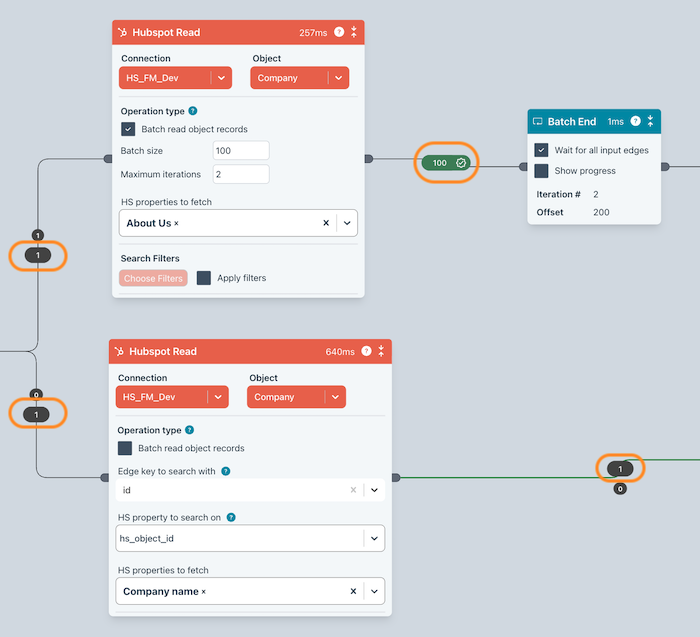
Click on an edge bubble to open the edge inspection dialog.
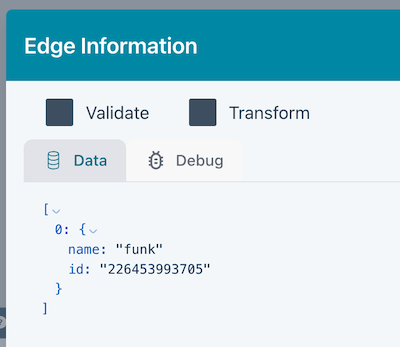
Data
Edge data can be inspected within the Data tab.
Validations, transformations and mapping
If you perform a validation, transformation or mapping on the edge and click the bubble, you will see the following dialog. Click here for full details.
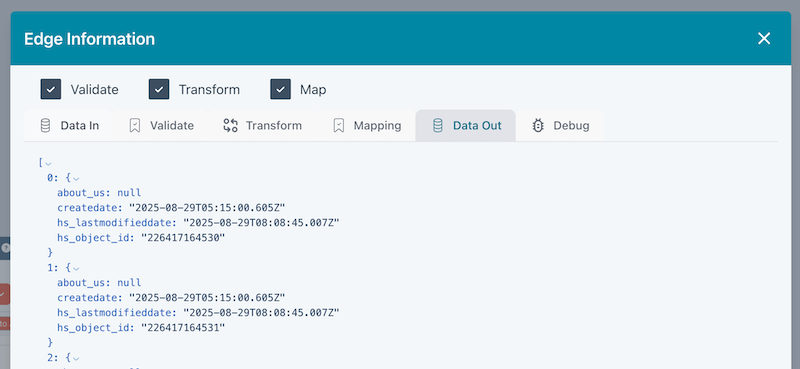
- The bubble will contain icons to indicate whether validation, transformation and mapping has been configured.
- The Data In tab shows the data pre transformation
- The Data Out tab contains the data post transformation.