Flow settings
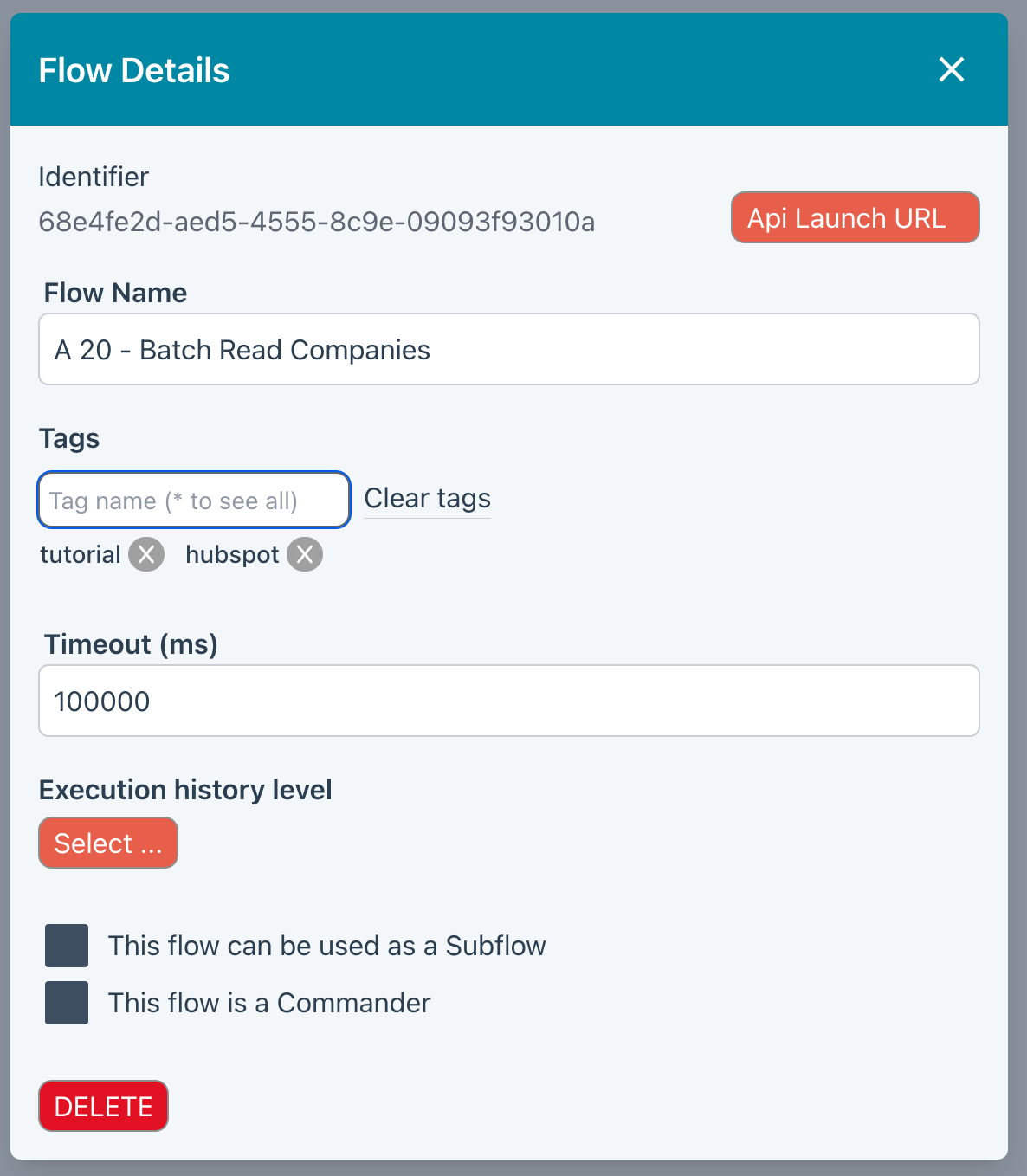
Identifier
Each Flow has a unique id. This is the value you will need to used when launching flows via an API call.
Lock/Unlock
CLicking the padlock icon toggles the Flow between locked and unlocked. A locked Flow will prevents inadvertent changes to your Flow. A locked Flow will be clearly shown when you view the Flow in the editor.
API Launch URL
Press this button to paste the URL that external systems should use to launch the Flow.
Flow name
The Flow name.
Tags
These are really useful if you have a lot of Flows and want to be able to find them using tag filtering in the Flows listing.
Timeout
A Flow will be aborted if this period is exceeded. It will be ignored if stepping though flows in the UI.
Execution history level
Execution History is useful for debugging when things go wrong and when building new Flows.
Read the Execution History topic for full configuration details.
Subflow
Check the box to allow this Flow to be called from another Flow.
Commander
Identifies this as a Commander Flow.