Named Saves & Automatic Snapshots
Flows are auto-saved. However, you can create a snapshot at any time, called a Named Save.
Automatic snapshots are created periodically.

Press the button and choose a name. The current state of your Flow will be saved.
Finding and restoring Named Saves and Snapshots
Named and Snapshot Saves can be found by pressing the History icon next to the save button.
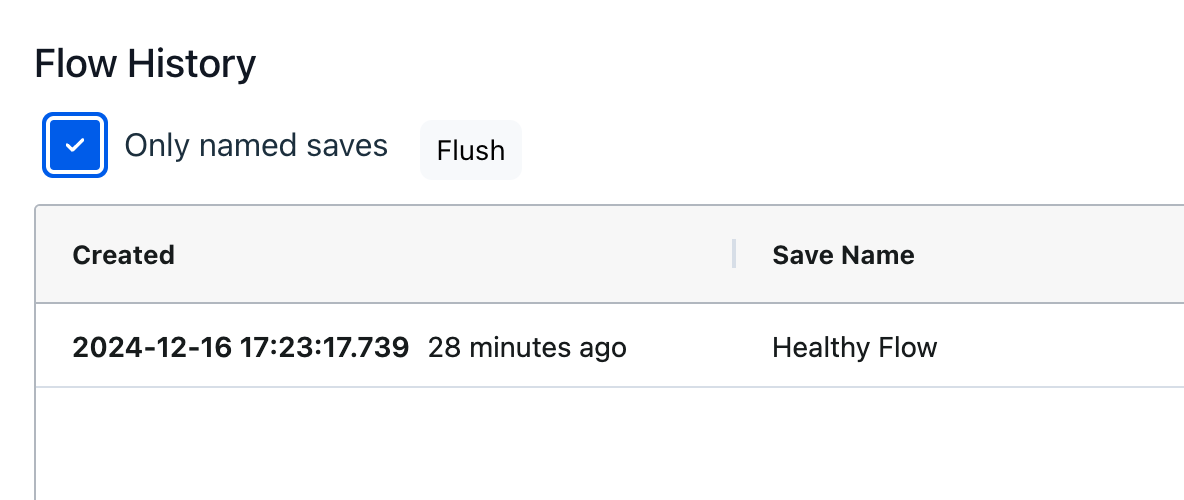
Click on the item save to load it into the Flow editor. At this point it will be read-only. A toolbar will appear.
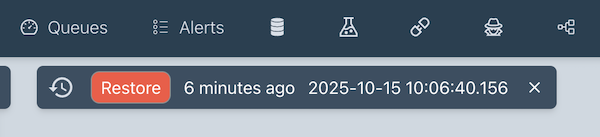
Click the Restore button if required. Click the close icon to return to the Flow without restoring.