Teams
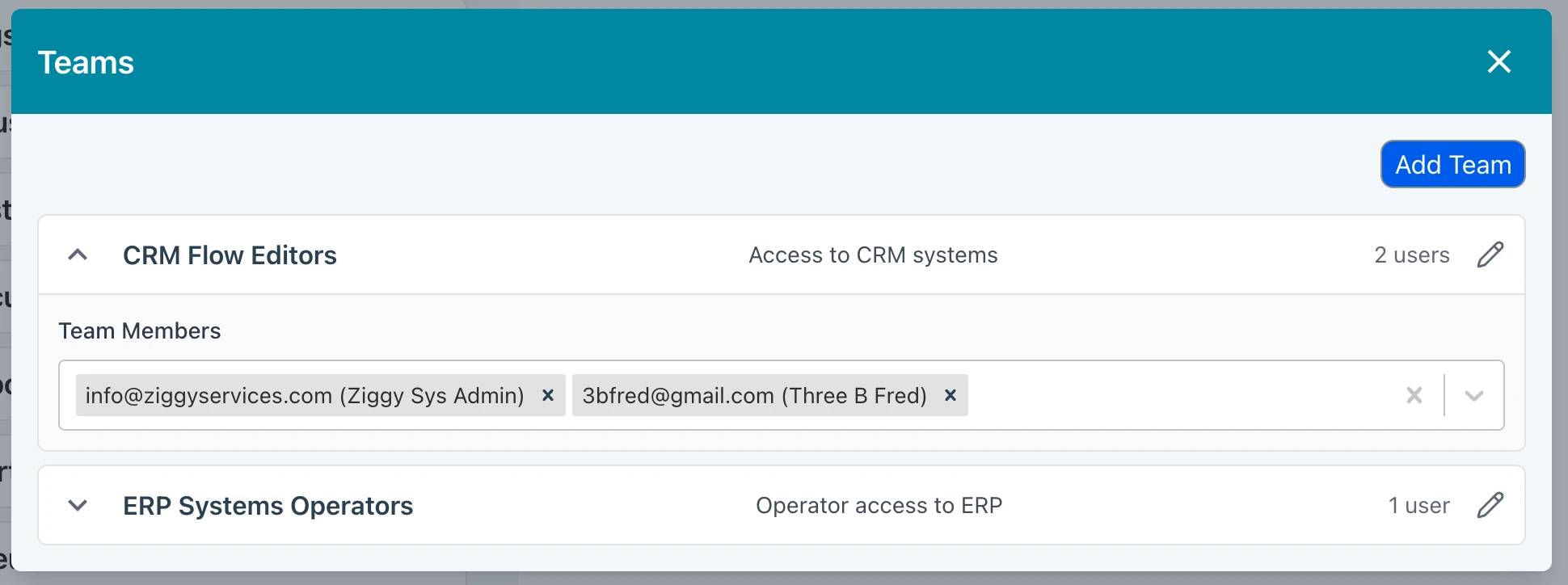
A Team is a collection of users. Admins can manage teams by pressing the Teams button in the User Management section of Global Settings.
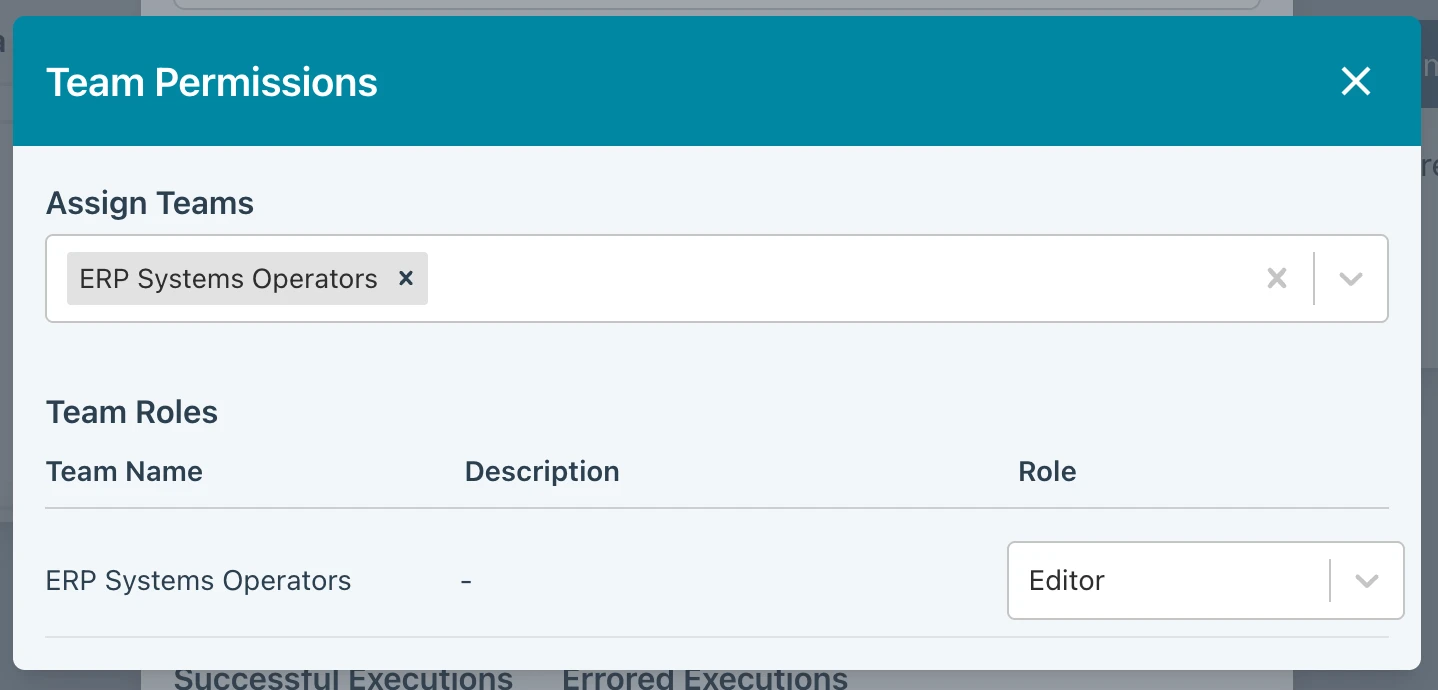
Teams are then used from Flows, Connections, Secrets, Schedules and Messaging Items. From any of these you can assign role permissions to a Team. For example, your might want to ensure that anyone who is a member of the ERP Systems Operators team has Operator access to a specific Flow. You can then make an Assignment to that team rather than individually assigning many individual users.