AI Generate
This block uses an LLM to generate content based on a prompt and edge data.
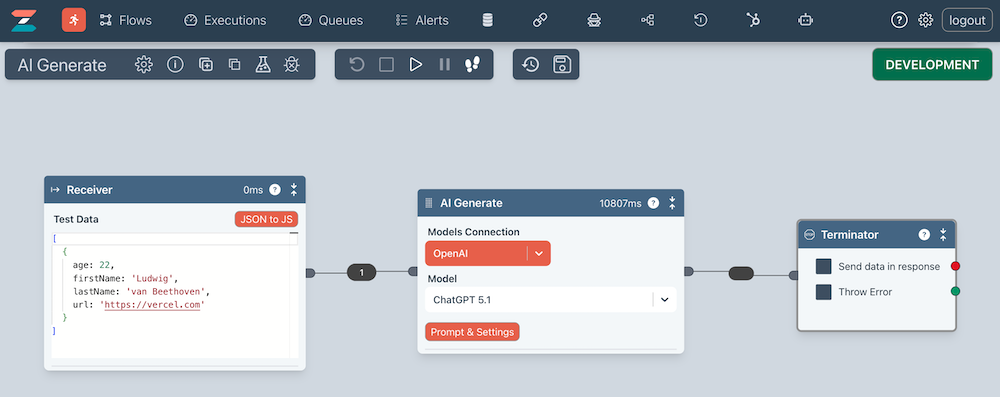
Models Connection
You should first create a Connection that points to an LLM. Currently, we suggest you use openAI for ChatGPT.
Then select this connection from the Models Connection dropdown.
Model
Select from the available models. This list is specific to the Models Connection.
Ensuring there is edge data
Before configuring the prompt, you should ensure the incoming edge has data by running the flow or stepping to it.
This ensures that you can test the prompt properly against actual data.
Prompt
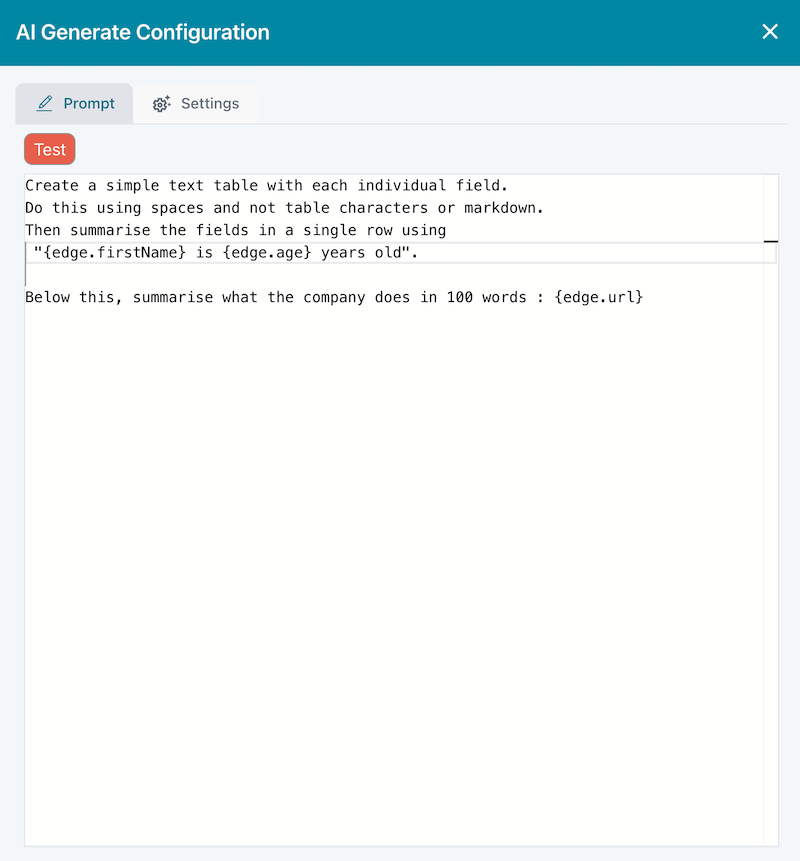
The main part is configuring the prompt. Press the Prompt & Settings button to open the dialog.
Below is an example prompt.
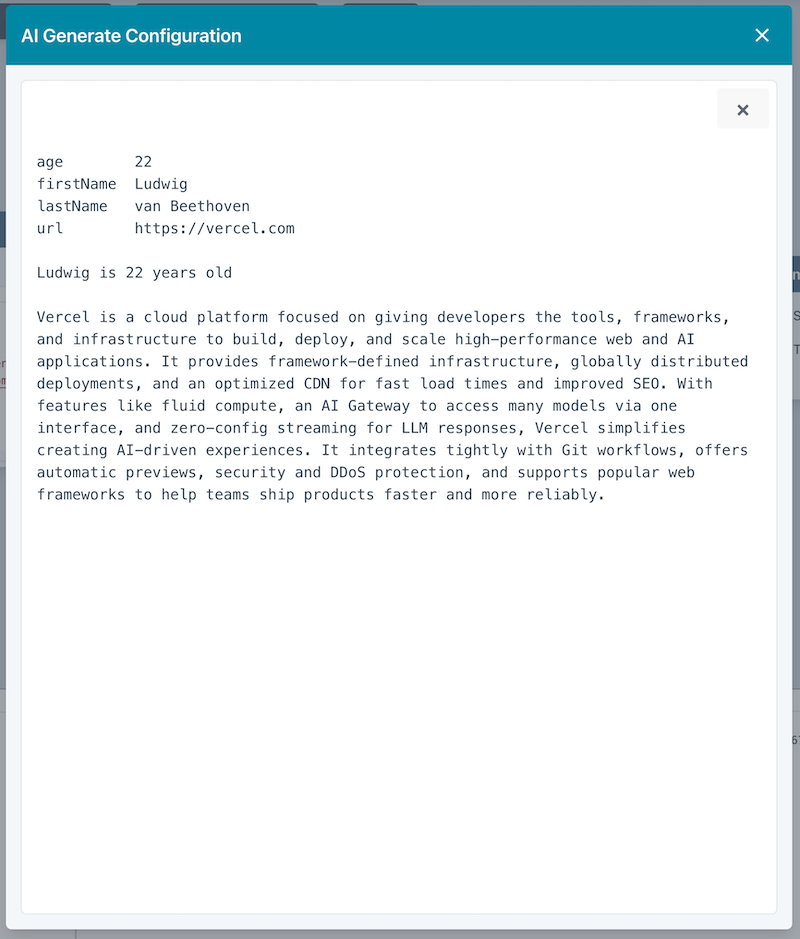
Test
You can test your prompt with the Test button.
Execution
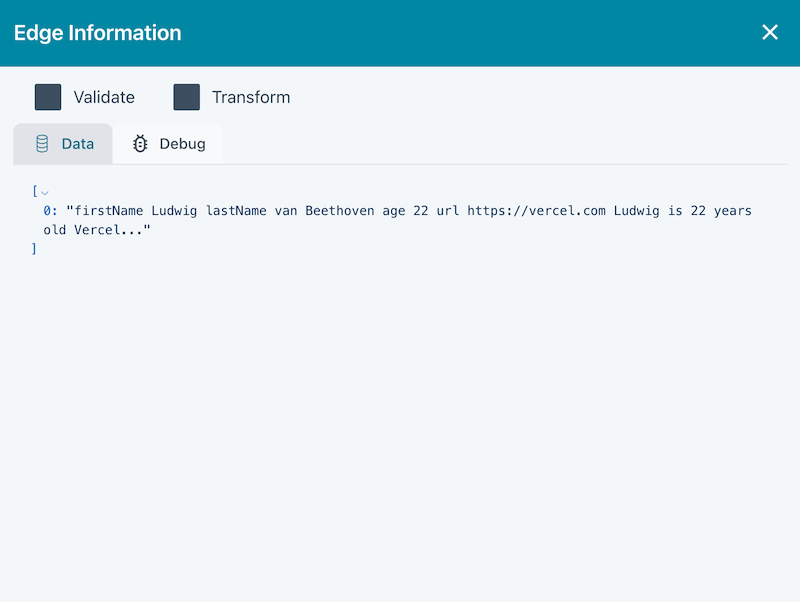
When the flow runs, you can see the result by clicking on the outgoing edge.